ShaderToMP4
Turn a Shadertoy shader into video, frame by frame, with exact timing. No capture, no stutter, nothing to install.
Transforme un shader Shadertoy en vidéo, image par image, avec un temps exact. Pas de capture, pas de saccades, rien à installer.
DownloadTélécharger GitHub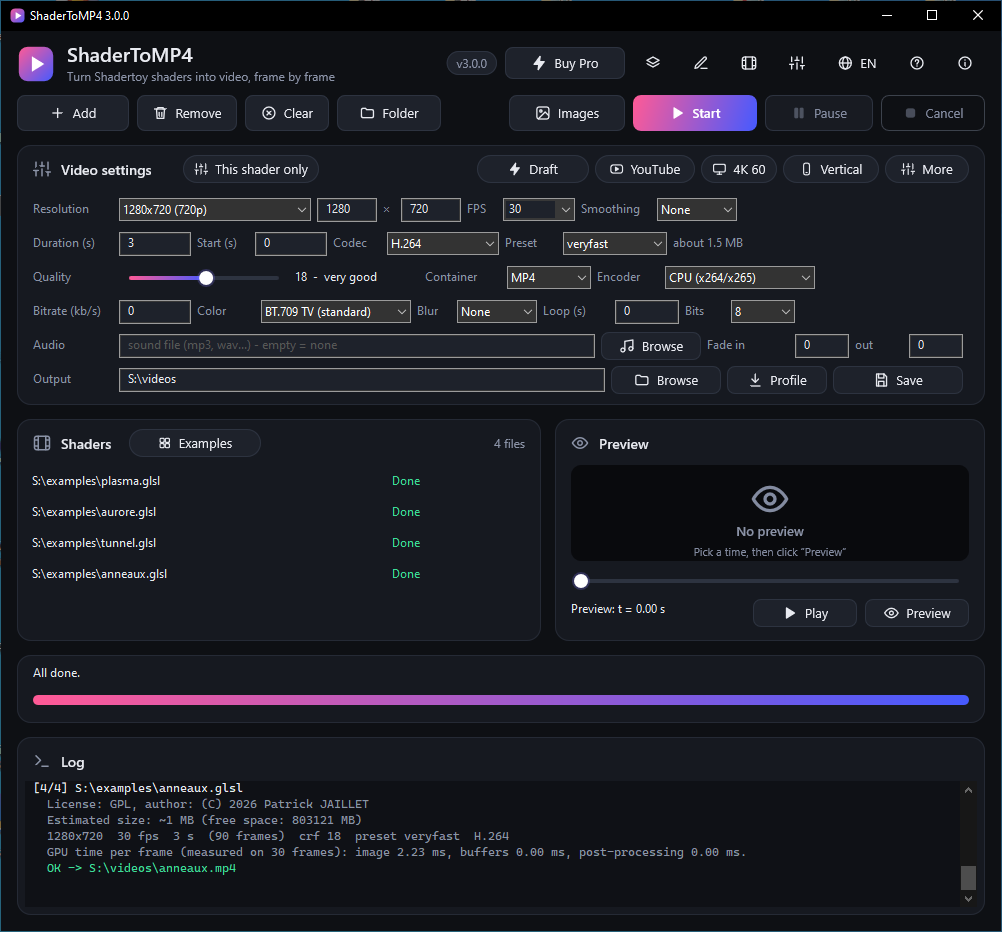
Why ShaderToMP4?Pourquoi ShaderToMP4 ?
Exact timing
Temps exact
Each frame is rendered at time n / fps and sent straight to ffmpeg. A shader running at 5 fps live still gives a perfectly smooth video.
Chaque image est rendue au temps n / fps et envoyée directement à ffmpeg. Un shader à 5 images par seconde en direct donne une vidéo parfaitement fluide.
Maximum quality
Qualité maximale
Up to 16384 px wide, ×4 supersampling, motion blur, correct BT.709 colour, lossless x264 / x265.
Jusqu'à 16384 px de large, supersampling ×4, flou de mouvement, couleur BT.709 correcte, x264 / x265 sans perte.
Fast and reliable
Rapide et fiable
Parallel render and encode, optional hardware encoders, and long renders made in parts that resume after any interruption.
Rendu et encodage en parallèle, encodeurs matériels en option, et longs rendus par parties qui reprennent après toute interruption.
Practical
Pratique
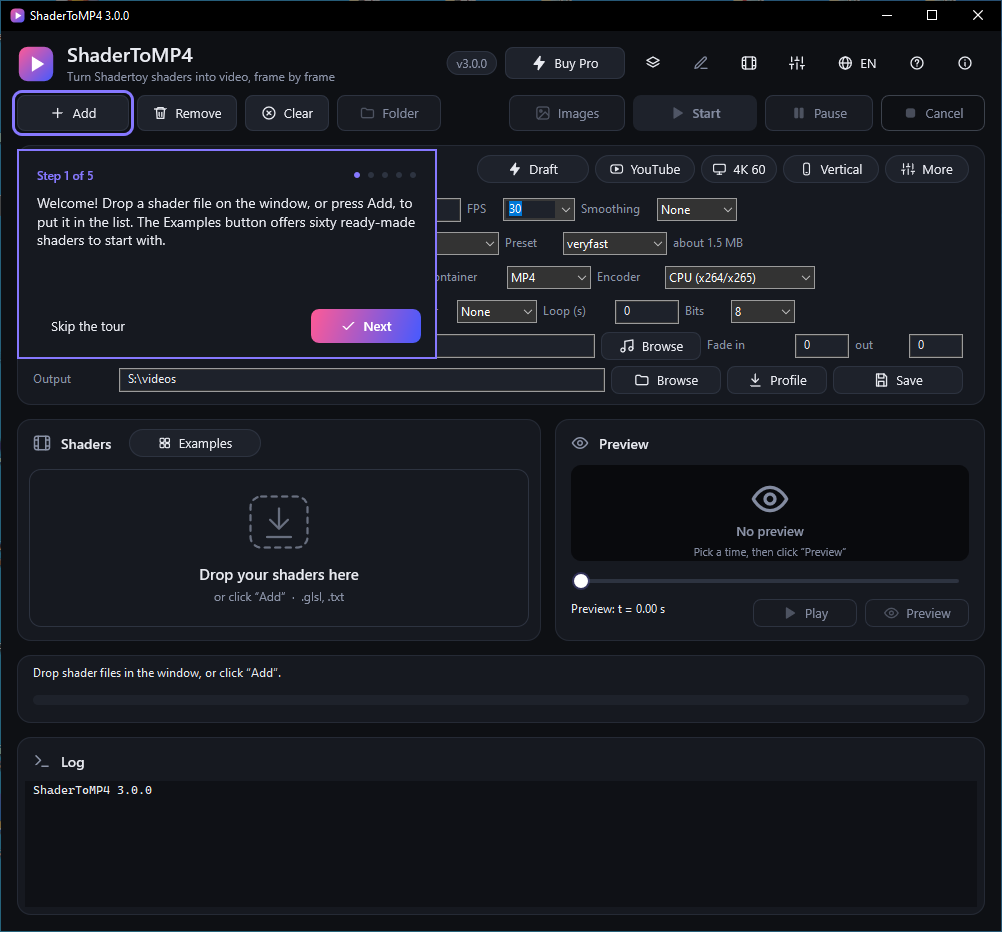
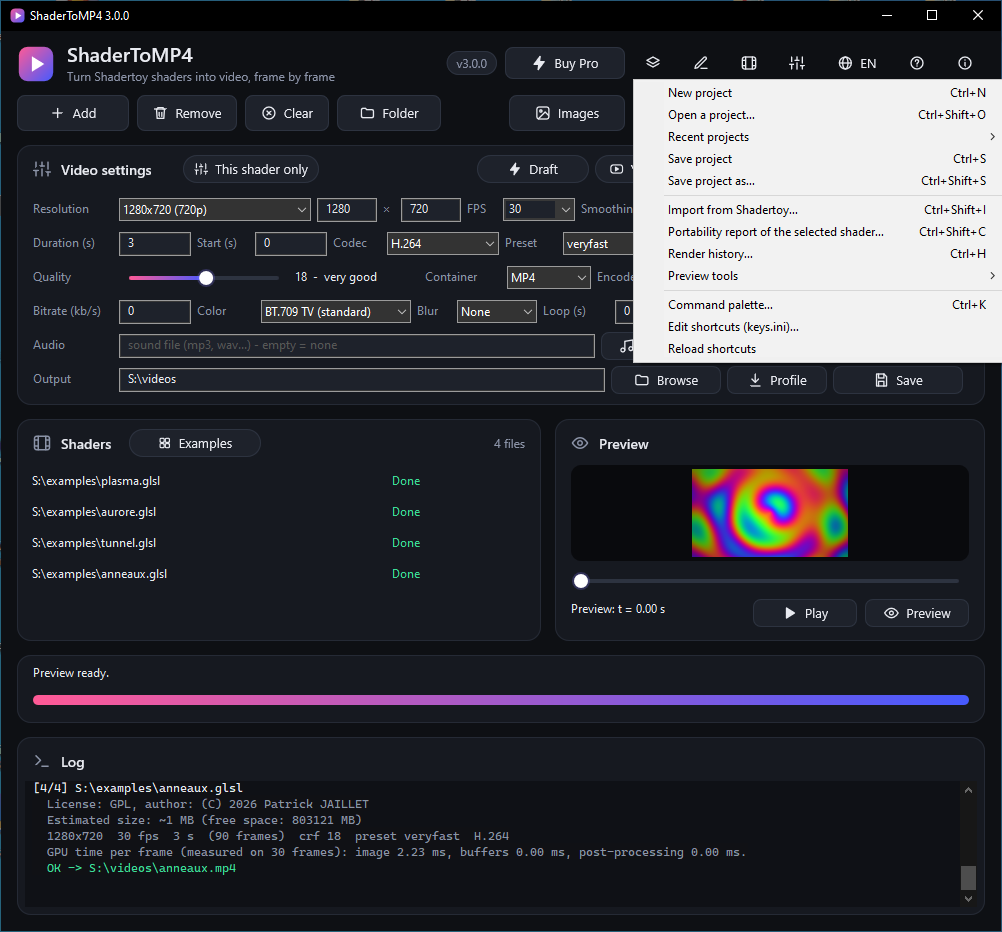
Built-in preview, presets (YouTube, 4K, vertical), audio with fades, perfect loop, queue, pause and cancel.
Aperçu intégré, préréglages (YouTube, 4K, vertical), audio avec fondus, boucle parfaite, file d'attente, pause et annulation.
Shadertoy and more
Shadertoy et plus
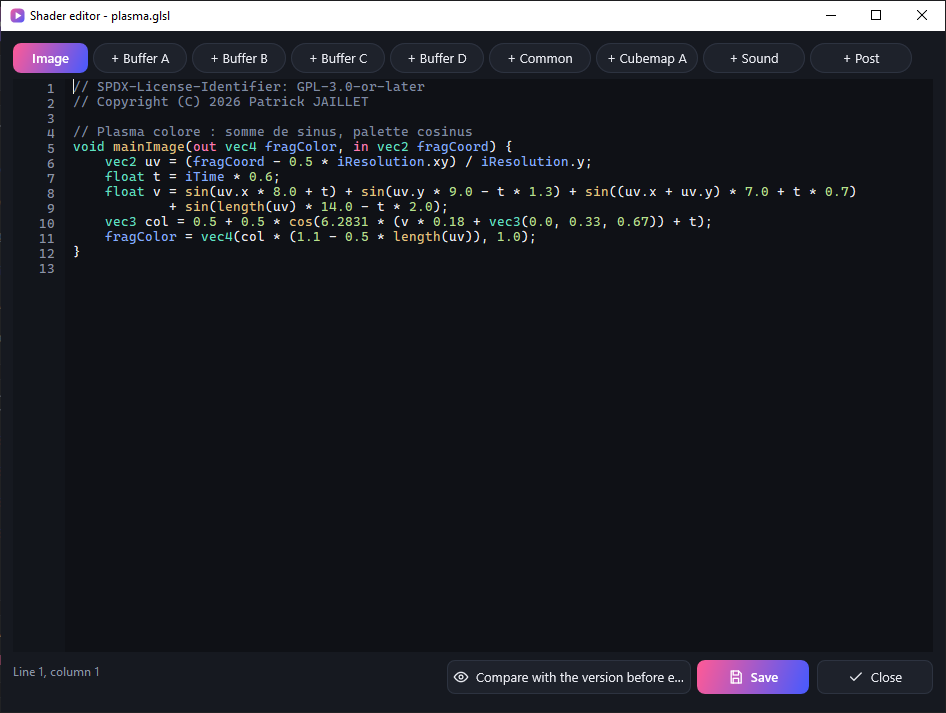
Textures, buffers, sound pass, mouse, VR; animated parameters, post-processing, HDR and transparency, montage of several shaders, and an editor for the shader and its passes.
Textures, tampons, passe son, souris, VR ; paramètres animés, post-traitement, HDR et transparence, montage de plusieurs shaders, et un éditeur pour le shader et ses passes.
Shadertoy compatibility
Compatibilité Shadertoy
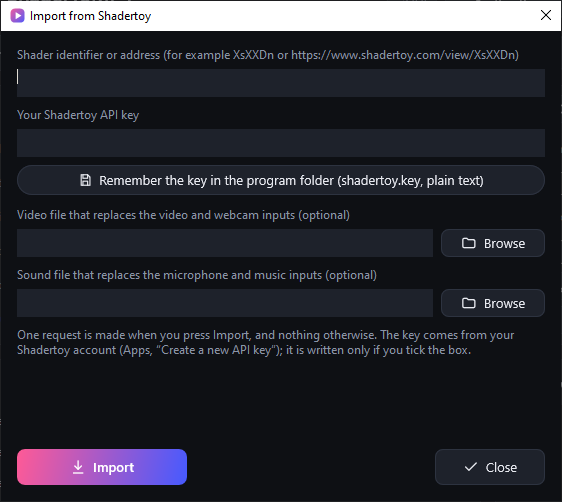
Import by identifier with your own API key, WebGL 1 / GLSL ES style shaders read as they are, a portability report with a corrected copy, and 113 self-checking shaders rendered at every change.
Import par identifiant avec votre propre clé d'API, shaders au style WebGL 1 / GLSL ES lus tels quels, rapport de portabilité avec copie corrigée, et 113 shaders qui se vérifient eux-mêmes rendus à chaque changement.
Projects and queue
Projets et file de travaux
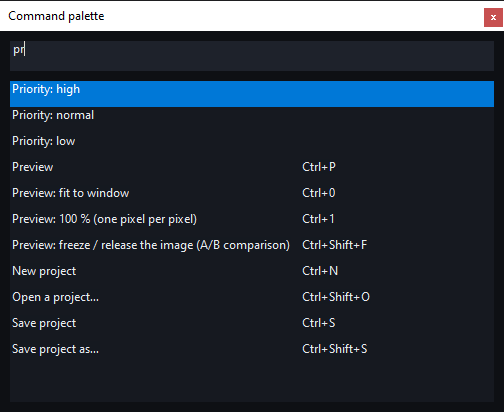
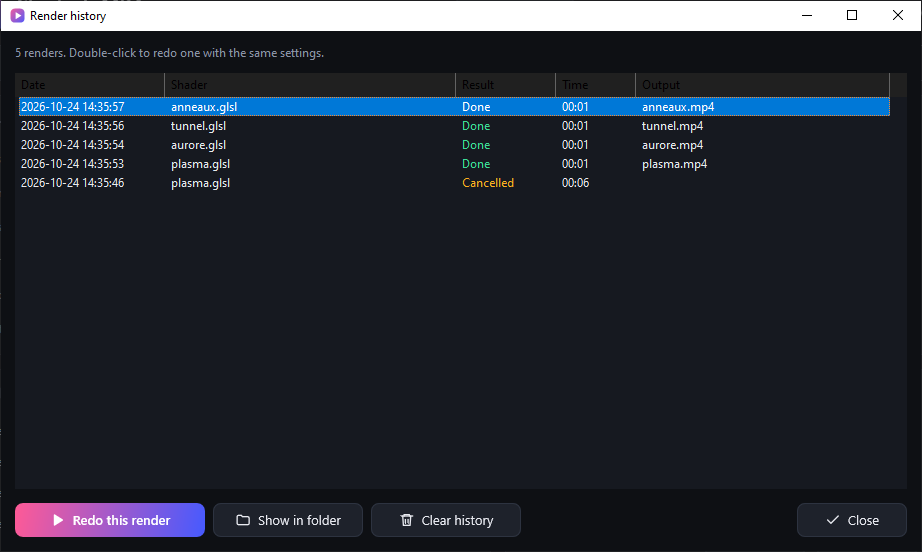
Projects (.s2mproj) that move with their folder, a job queue you can reorder while it runs, priorities, a log per job, the estimated end of the whole queue, a render history that redoes a render with the same settings.
Des projets (.s2mproj) qui se déplacent avec leur dossier, une file de travaux réordonnable pendant le rendu, des priorités, un journal par travail, la fin estimée de toute la file, un historique qui refait un rendu avec les mêmes réglages.
Preview tools and shortcuts
Outils d'aperçu et raccourcis
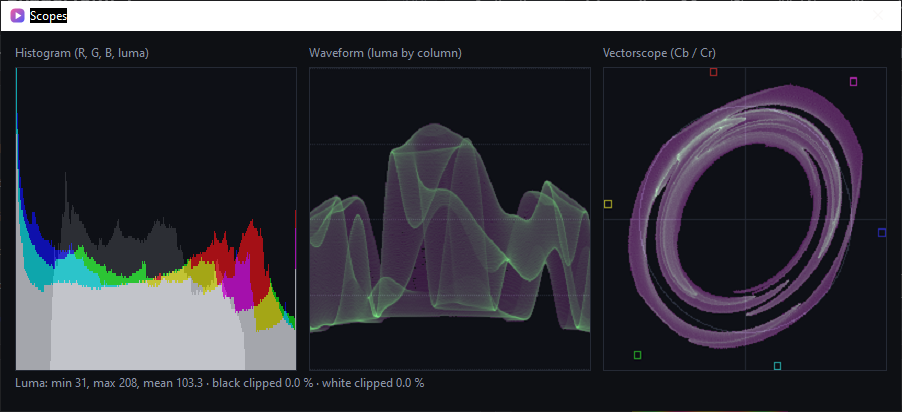
Zoom, A/B comparison with a frozen image, histogram, waveform and vectorscope; shortcuts you can change (keys.ini) and a command palette (Ctrl+K).
Zoom, comparaison A/B avec une image figée, histogramme, forme d'onde et vectorscope ; des raccourcis modifiables (keys.ini) et une palette de commandes (Ctrl+K).
Easy to start
Facile à prendre en main
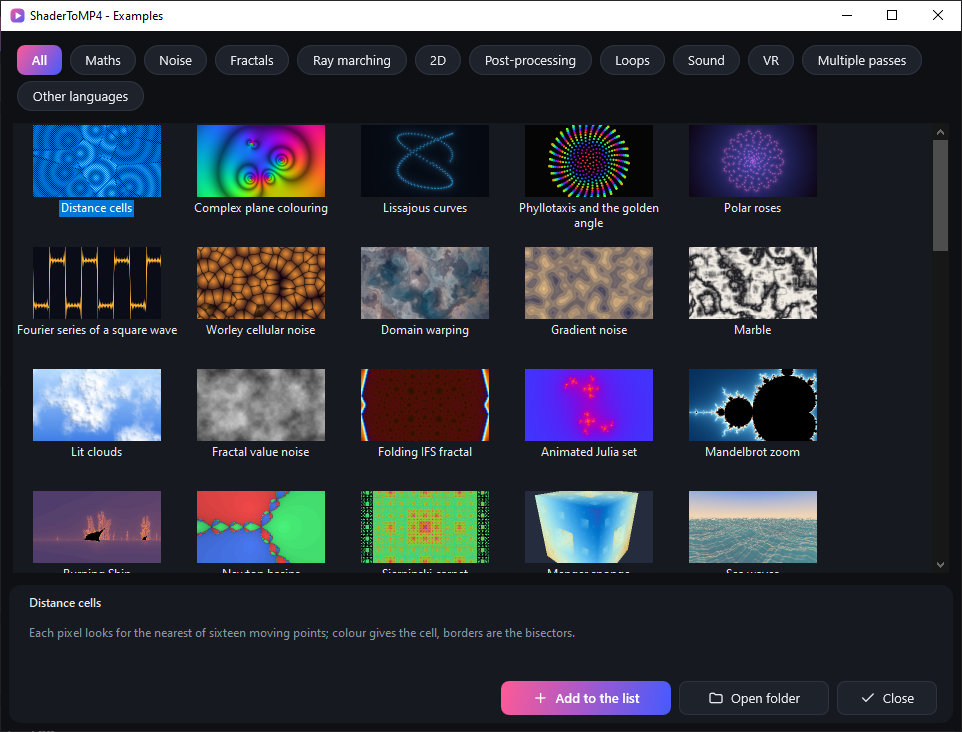
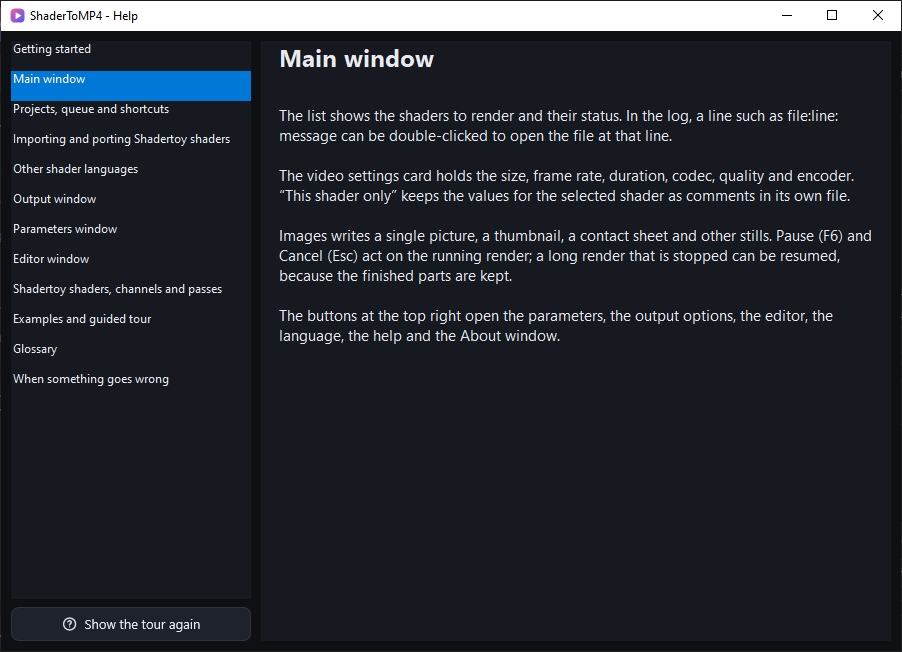
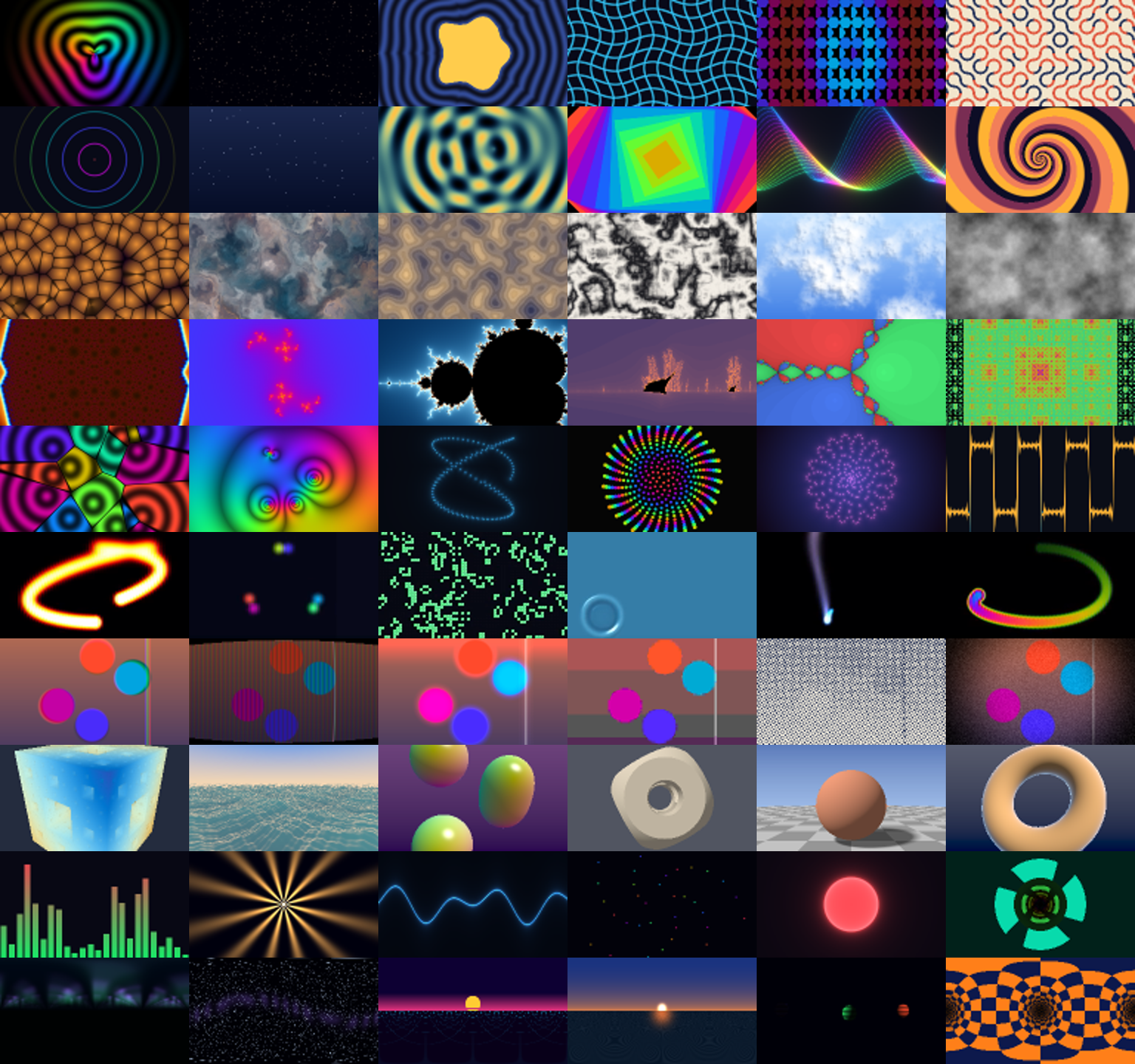
A guided tour at the first launch, a built-in help (F1), sixty example shaders with explanations, and plain-language explanations of compile errors.
Une visite guidée au premier lancement, une aide intégrée (F1), soixante shaders d'exemple commentés, et des erreurs de compilation expliquées en clair.
Trustworthy
De confiance
Reproducible builds, SHA-256 sums, software bill of materials, fuzzed file readers, AddressSanitizer tests, update check only on request, crash report kept on your disk.
Constructions reproductibles, sommes SHA-256, nomenclature logicielle, lecteurs de fichiers testés par fuzzing, tests AddressSanitizer, vérification des mises à jour sur demande seulement, rapport de plantage gardé sur ton disque.
Portable
Portable
Nothing to install. Settings, languages and ffmpeg stay in the application folder. A Windows installer (ffmpeg included, not code-signed) is also offered.
Rien à installer. Réglages, langues et ffmpeg restent dans le dossier de l'application. Un installeur Windows (ffmpeg inclus, non signé) est aussi proposé.
Free software
Logiciel libre
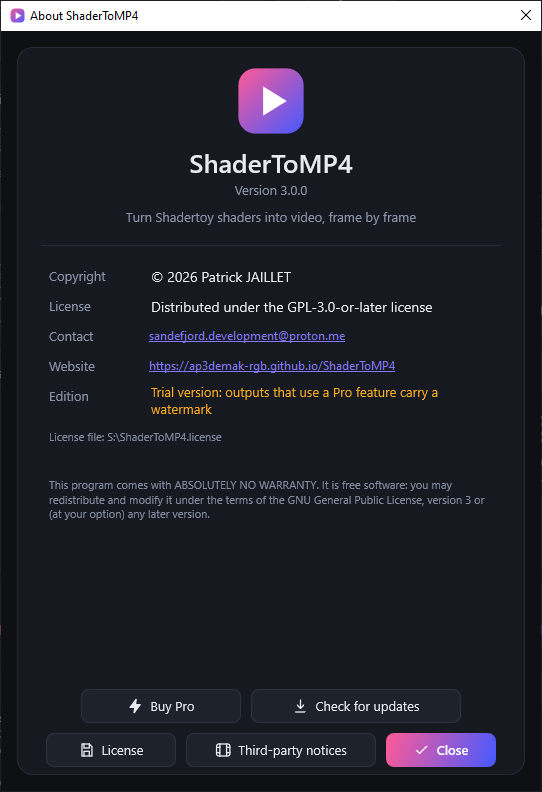
Distributed under the GPL-3.0-or-later license, interface in nine languages (English, French, German, Spanish, Italian, Portuguese, Dutch, Japanese, Chinese).
Distribué sous licence GPL-3.0-or-later, interface en neuf langues (anglais, français, allemand, espagnol, italien, portugais, néerlandais, japonais, chinois).
ScreenshotsCaptures d'écran
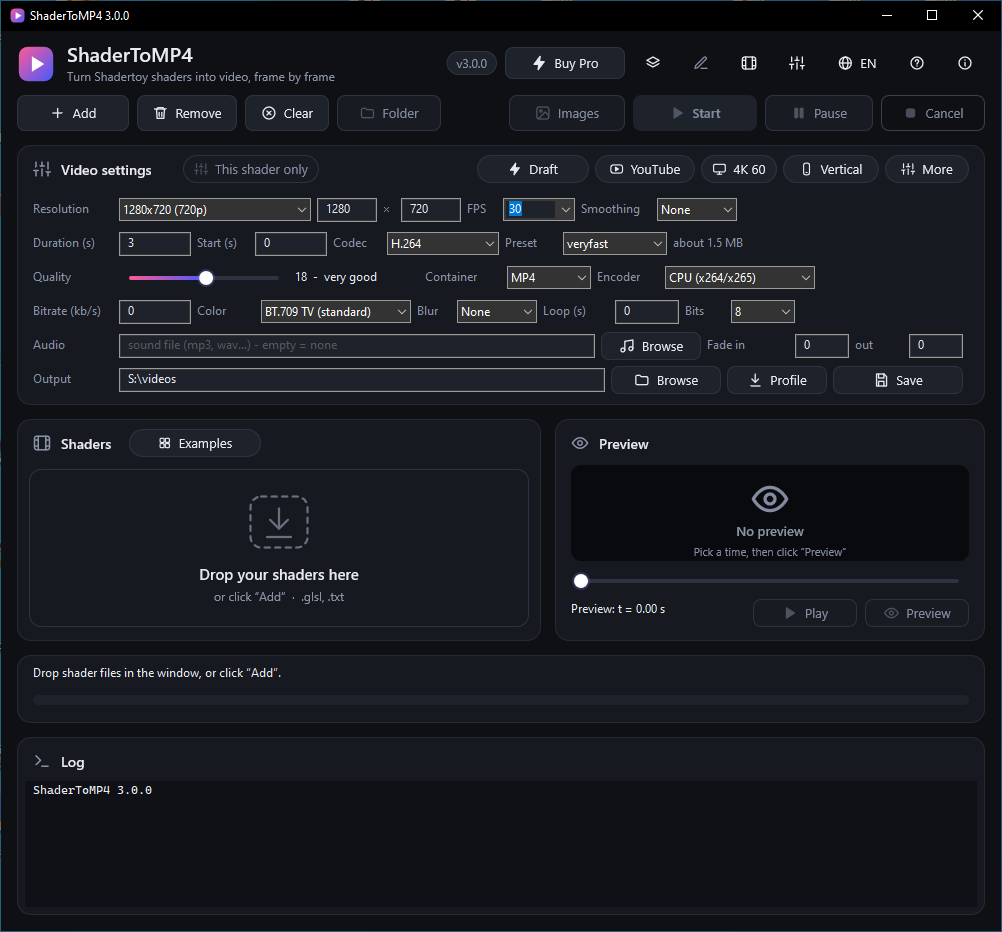
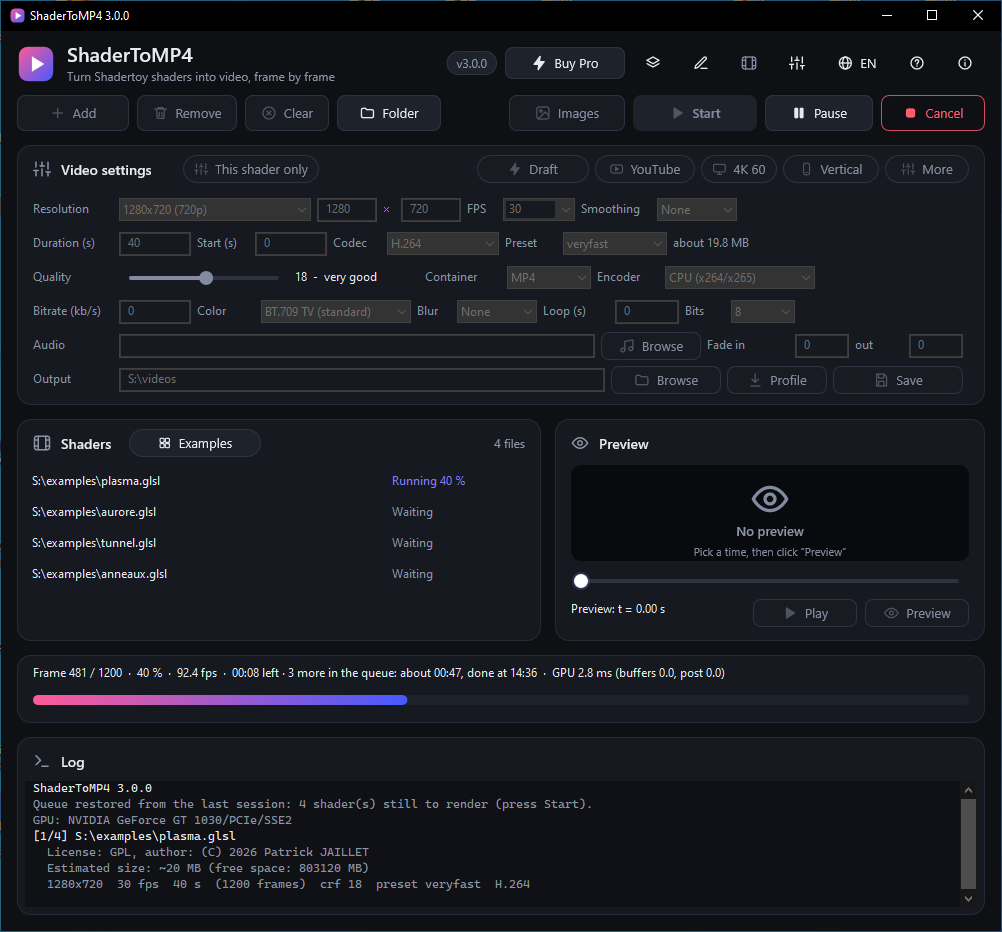
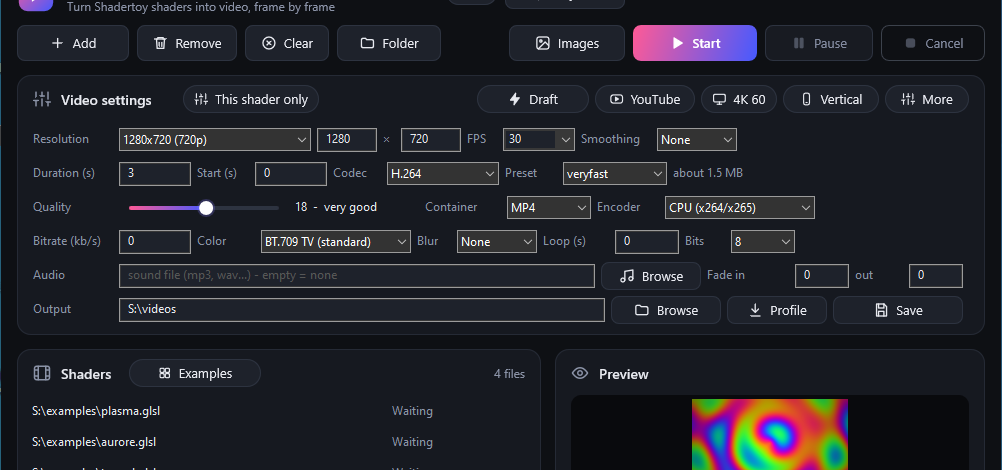
ExamplesExemples
Free and Pro editionsÉditions libre et Pro
The free edition is complete for turning shaders into video and stays free under the GPL. The Pro edition adds the functions below for a one-time payment of 5, 10 or 15 € (same license); without a license its functions still work, with a small watermark on the output.L'édition libre est complète pour transformer des shaders en vidéo et reste gratuite sous GPL. L'édition Pro ajoute les fonctions ci-dessous contre un paiement unique de 5, 10 ou 15 € (même licence) ; sans licence ses fonctions marchent quand même, avec un petit filigrane sur la sortie.
| FunctionFonction | Free editionÉdition libre | Pro editionÉdition Pro |
|---|---|---|
| Licence and priceLicence et prix | ||
| LicenseLicence | GPL-3.0-or-laterGPL-3.0-or-later | Shareware, user agreement (EULA)Partagiciel, contrat d'utilisation (EULA) |
| PricePrix | Free, for goodGratuit, pour toujours | 5, 10 or 15 € once, by PayPal5, 10 ou 15 € une fois, par PayPal |
| Source codeCode source | PublishedPublié | Not publishedNon publié |
| Time limitLimite de durée | NoneAucune | None: without a license the Pro functions still work, their output carries a small watermarkAucune : sans licence les fonctions Pro marchent, leur sortie porte un petit filigrane |
| Rendering and tools (both editions)Rendu et outils (les deux éditions) | ||
| Shadertoy shaders to video, every format, buffers, sound, VR, textures, parts that resumeShaders Shadertoy en vidéo, tous les formats, tampons, son, VR, textures, parties reprenables | includedinclus | includedinclus |
| Animated parameters, post-processing, HDR, transparency, montage, editorParamètres animés, post-traitement, HDR, transparence, montage, éditeur | includedinclus | includedinclus |
| Projects, job queue, render history, shortcuts, command paletteProjets, file de travaux, historique des rendus, raccourcis, palette de commandes | includedinclus | includedinclus |
| Shadertoy import, portability report, HLSL / WGSL / native GLSL shadersImport Shadertoy, rapport de portabilité, shaders HLSL / WGSL / GLSL natif | includedinclus | includedinclus |
| Example gallery, help, first-launch tourGalerie d'exemples, aide, visite guidée | includedinclus | includedinclus |
| Command line, watch folder, benchmark, render reportsLigne de commande, dossier surveillé, benchmark, rapports de rendu | includedinclus | includedinclus |
| Pro functionsFonctions Pro | ||
| 3D scenes: OBJ / PLY / glTF meshes, camera, shadows, reflections, GPU computeScènes 3D : maillages OBJ / PLY / glTF, caméra, ombres, reflets, calcul GPU | not includednon inclus | includedinclus |
| Editing tools: undo and redo, curve, time curve and montage editors, screen guidesOutils d'édition : annuler / rétablir, éditeurs de courbes, de temps et de montage, repères d'écran | not includednon inclus | includedinclus |
| MIDI and data signals driving the shaderSignaux MIDI et de données qui pilotent le shader | not includednon inclus | includedinclus |
| Colour: tone mapping, colour spaces, LUT chains, ICC profileCouleur : courbe de tons, espaces colorimétriques, chaînes de LUT, profil ICC | not includednon inclus | includedinclus |
| Quality: denoising, GIF palette and ditheringQualité : débruitage, palette et tramage du GIF | not includednon inclus | includedinclus |
| Dressing and delivery: layers, subtitles, title cards, deliverablesHabillage et diffusion : calques, sous-titres, cartons, livrables | not includednon inclus | includedinclus |
| Performance: shader cache, hardware video decoding, memory budget, progressive previewPerformance : cache des shaders, décodage vidéo matériel, budget mémoire, aperçu progressif | not includednon inclus | includedinclus |
| Pro settings window: a field for every Pro setting, Pro presetsFenêtre des réglages Pro : un champ pour chaque réglage Pro, préréglages Pro | not includednon inclus | includedinclus |
Download and startTélécharger et démarrer
- Download the portable archive for Windows from the Releases page and unpack it anywhere (or the optional installer).
- Run
ShaderToMP4.exe; it offers to downloadffmpegthe first time (SHA-256 checked). - Drop your
.glslshaders in the window and click Start.
- Télécharge l'archive portable Windows depuis la page Releases et décompresse-la où tu veux (ou l'installeur facultatif).
- Lance
ShaderToMP4.exe; il propose de téléchargerffmpegla première fois (empreinte SHA-256 vérifiée). - Glisse tes shaders
.glsldans la fenêtre et clique sur Démarrer.
Requires an OpenGL 3.3 graphics card and Windows 10 (1703 or newer) or 11.Nécessite une carte graphique OpenGL 3.3 et Windows 10 (1703 ou plus récent) ou 11.
Linux and macOS are frozen (2026-10-22): version 2.1.1 is the last one published with their archives. They stay available on the earlier releases and remain under the GPL-3.0-or-later; their code stays in the repository, without fixes or new tests, and new features target Windows only.Linux et macOS sont gelés (2026-10-22) : la version 2.1.1 est la dernière publiée avec leurs archives. Elles restent disponibles sur les versions précédentes et sous GPL-3.0-or-later ; leur code reste dans le dépôt, sans correctif ni nouveau test, et les nouvelles fonctions visent Windows seulement.